Glass Order Robot
Works out glass sizes from opening sizes with deductions, and prepares the glass order form and tracking with glass type, thickness, setting blocks and cavity.
- Input
- Opening list / model
- Target output
- Glass order form
- Scope
- Size, type, blocks
- Status
- Ready
From opening to glass order
In a glass order, a small deduction mistake means hundreds of panes made again. For every opening, glass type, thickness, cavity, edge deductions and block positions must each be right.
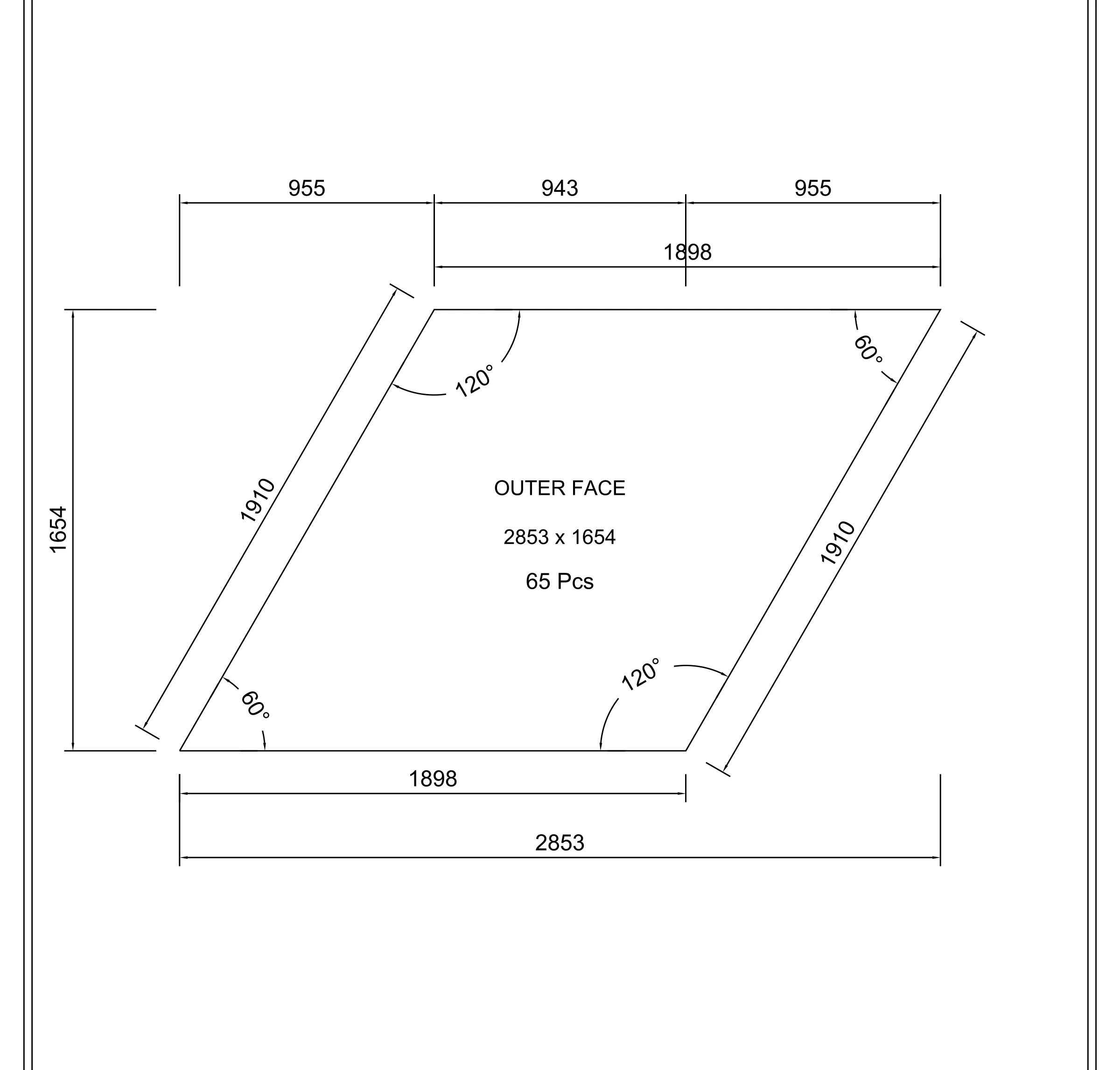
The Glass Order Robot works out glass sizes from an opening list or a model with the system's deduction rules, groups them by glass type and totals m² and quantities. The target output is the glass order form, glass list and order → production → dispatch tracking.
Input and output
The robot takes files as they are; the output comes out in the form the workshop, purchasing and site teams use directly.
Input
- XLSXOpening listOpening sizes, quantities and glass type.
- DWGElevation or modelWithout a list, openings are read from the drawing.
Output
- XLSXGlass order formItem, glass type, size, quantity, m².
- PDFGlass list and trackingOrder, production and dispatch status.
This is what the output looks like
The first sheet comes from one of the robot's real jobs, with the title block, project, client, personal and product names removed and codes changed to DMO-. Any other drawings come from a fictional demo project.
Ask about this robot
This section introduces the robots. Write to us to talk about what a robot does, its input and output, or to learn more.
Please mention
- 01Which robot you are interested in
- 02The kind and size of your work
- 03The file formats you have (STEP, DWG, XLSX…)
How we handle what you send us: Privacy notice.
Frequently asked questions
When will this robot be ready?
Training means rebuilding approved past jobs with the robot and turning every difference into a rule. When it is ready, the status label on this page changes.
How can I learn more about this robot?
Write to info@archesign.studio and mention which robot and what kind of work you are interested in.
How are deductions calculated?
From the chosen system's glazing rules; edge deduction, blocks and cavity come from the system table.